- Blogs
- /
- Why Running Unsupported PHP Versions Is a Business Risk
Why Running Unsupported PHP Versions Is a Business Risk

Mathews Abraham
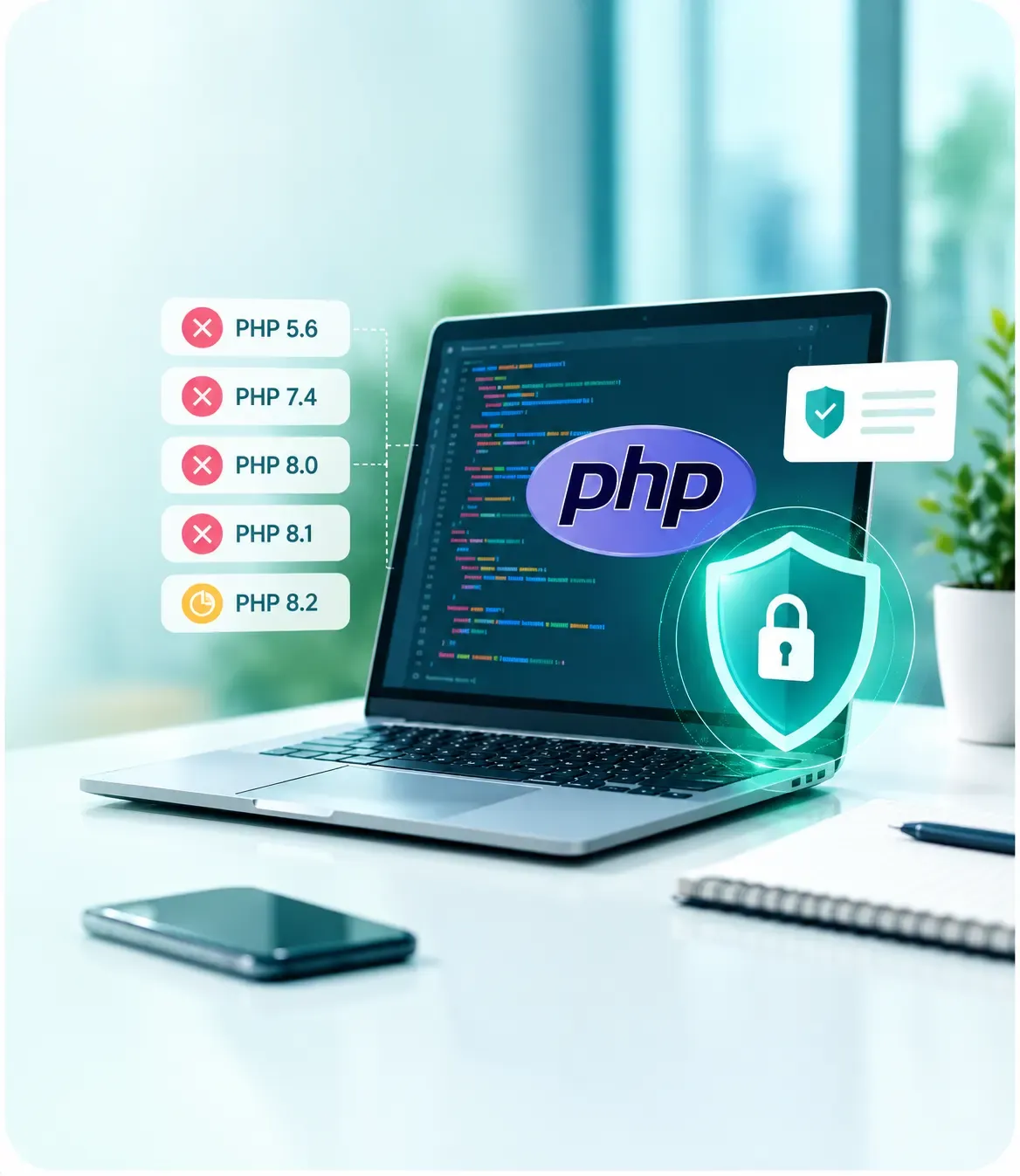
Your PHP application may still run smoothly, but that does not mean it is secure or ready for future growth. When a PHP version reaches end of life, it stops receiving security updates from the PHP project. For businesses relying on older applications, this creates risks that extend beyond development, affecting security, compliance, maintenance costs, and business continuity.
Understanding these risks helps businesses decide when to upgrade, refactor, or rebuild their applications.
What Is Unsupported PHP? Affected Versions and EOL Dates
An unsupported PHP version has reached end of life (EOL), meaning the PHP project no longer provides security fixes for it. Any newly discovered vulnerability may therefore remain unpatched in that version.
PHP 5.x and PHP 7.x are past end of life, as are PHP 8.0 and 8.1. PHP 8.2 is scheduled to reach end of life on 31 December 2026.
| PHP version | Security support ended |
|---|---|
| PHP 5.6 | December 2018 |
| PHP 7.4 | November 2022 |
| PHP 8.0 | November 2023 |
| PHP 8.1 | December 2025 |
An application can continue working on an old PHP version while remaining exposed to security issues. Moving to a supported version is therefore an important software modernization task, not simply a routine technical upgrade.
Why End-of-Life PHP Is a Security Risk
When a vulnerability is discovered, supported PHP branches can receive security patches, while unsupported versions no longer receive regular fixes from the PHP project. Dependencies, frameworks, and plugins may also stop supporting older runtimes, leaving additional gaps.
The vulnerabilities affected PHP itself rather than a particular application's business logic. PHP also provided limited backports for older branches to support certain source builds and vendors. Businesses should verify their exact runtime and vendor guidance instead of assuming every old installation is patched.
Business Costs of Running Unsupported PHP
Unsupported PHP can affect business operations in several ways:
- Compliance exposure: Organisations must manage security risks under applicable requirements. PCI DSS includes patch management expectations for relevant payment environments, while HIPAA and GDPR have their own security obligations. Running old PHP does not automatically mean a business is non-compliant, but unmanaged vulnerabilities can complicate compliance.
- Client and insurance reviews: Enterprise buyers, partners, and insurers may ask whether critical software is supported and regularly patched. Unclear answers can create friction during due diligence.
- Hosting limitations: Hosting providers eventually retire old runtimes, potentially forcing businesses into rushed migrations.
- Higher maintenance costs: Developers may spend more time working around outdated dependencies, and maintaining older code can make recruitment and onboarding harder.
- Slower innovation: Legacy dependencies can make it difficult to adopt modern APIs, cloud services, automation, and AI capabilities.
These costs often build gradually, making proactive modernization easier to plan than an urgent migration.
Warning Signs Your Application Runs on Unsupported PHP
Use this checklist to identify potential issues:
- Check the actual server runtime using
php -v, your hosting control panel, or container configuration. - Review the PHP version constraint in
composer.jsonand check your framework's support requirements. - Find out whether hosting is pinned to an old PHP version because an upgrade might break the application.
- Check whether Composer packages or CMS updates are being skipped because they require newer PHP versions.
- Review security scan results and client audit findings for outdated software.
- Confirm whether your team has tests and documentation to identify what an upgrade could affect.
If two or more points apply, make PHP support and upgrade planning a priority for the current quarter.
Upgrade, Refactor or Rebuild Your Legacy PHP Application?
The right software modernization approach depends on the condition of the application, its business importance, and the effort required to update it.
- Upgrade in place: Suitable when the codebase is reasonably structured, dependencies remain supported, and the framework can move forward safely.
- Refactor in stages: Useful when specific modules need significant changes but the application still has a sound foundation.
- Rebuild selectively: Worth considering when the framework is obsolete, technical debt is extensive, or critical components cannot be maintained.
Assess code quality, test coverage, framework age, business criticality, and abandoned dependencies before deciding. A strangler approach can also help: replace selected functions with modern components over time instead of switching the entire application at once.
Laravel Modernization: Upgrading Legacy Laravel Applications
Older Laravel releases may require older PHP versions, leaving an application dependent on an unsupported runtime until the framework is upgraded. Laravel modernization therefore needs to consider both PHP compatibility and framework support.
The usual approach is to follow Laravel's official upgrade guides, moving through the required framework versions while updating PHP and Composer dependencies. Tools such as Rector and Laravel Shift can help automate some repetitive changes, although manual review and testing remain essential.
Common challenges include abandoned packages, outdated authentication and queue code, deprecated helpers, and tightly coupled legacy logic. A planned Laravel modernization project helps address these issues while creating a maintainable foundation.
How to Modernise Legacy PHP Safely: 8 Steps
A structured migration reduces the risk of unexpected failures.
- Inventory applications: Record PHP and framework versions, hosting environments, dependencies, and business criticality. Prioritise internet-facing and business-critical systems.
- Reduce immediate exposure: Review access controls, consider suitable web application firewall protections, rotate exposed secrets where necessary, and maintain tested backups. These measures reduce some risks but do not replace patching or upgrading. A security testing review can show which gaps remain.
- Add a safety net: Create tests for important workflows such as login, payments, reporting, and data processing. These help confirm that essential behaviour remains intact.
- Scan for incompatibilities: Use tools such as PHPCompatibility, PHPStan, and Rector to identify outdated syntax, removed functions, and potential code issues.
- Upgrade incrementally: Move through compatible PHP versions and update dependencies at each stage. Avoid jumping directly from a very old runtime to the latest version without checking intermediate compatibility requirements.
- Test in staging: Run regression and load tests in an environment that reflects production. Review error logs and verify integrations before release.
- Plan the cutover: Schedule deployment carefully, define rollback procedures, and monitor application errors and performance after release.
- Maintain the upgraded stack: Assign ownership for patching and review PHP support dates regularly so the next upgrade is planned before end of life.
How Cubet Helps Modernise Legacy PHP Applications
Cubet helps businesses modernise legacy PHP applications by assessing their existing systems, identifying technical risks, and choosing the right upgrade or rebuild approach. Our focus is on improving security, maintainability, and performance while minimising disruption to business operations.
Whether you need Laravel modernization or a broader software modernization strategy, Cubet can help you plan a safe transition to a supported, future-ready technology stack.
FAQs
Is it safe to run PHP 7.4 anymore?
PHP 7.4 went out of support in November 2022 and won't receive any further security updates from the PHP developers. Verify the status with your vendor and think about migrating to a current PHP version.
Can I keep using the outdated PHP version if my application runs well?
Your application will probably still run, but it doesn't necessarily mean it's secure or compatible with newer systems. Outdated dependencies and vulnerabilities raise security and operational risk for your business.
Will PHP migration cause problems with my application?
Possibly yes, especially if it relies on outdated functions and incompatible dependencies. Automated testing and gradual migration will help identify issues prior to production.
How much time does it take to migrate PHP?
This is very hard to say, depending on the application's codebase, frameworks and dependencies, etc. An application assessment is the only proper answer to this question.

Mathews Abraham
VP - Revenue & Growth
Mathews Abraham leads Revenue & Growth at Cubet as VP. More than chasing numbers, he focuses on getting the people side right, strong relationships, honest conversations, and solutions that hold up over time. When he's not working, he's probably reading about some emerging market or roping someone into a conversation about the next big shift in business.


Related Blogs



Get in touch
Kickstart your project
with a free discovery session
Describe your idea, we explore, advise, and provide a detailed plan.